Hi Cesium Team,
First of all great product! Was having fun prototyping an app.
But it seems it is very hard to integrate with anything , please correct me if I’m ma wrong.
It is not possible to export 3D geometry programatically (Google 3D Realistic tiles) using your clip feature.
It is not possible to use your 3d model clip feature programatically from other data sets as well. You have to use your ION web platform.
And it is not possible to import anything into Cesium programatically without again using ION web platform.
So if I want a build a plugin to stream and update 3d models from sketchUp to my own WebApp it is not possible.
Sorry maybe I missed something , any help or advice is welcome.
Welcome to the community - glad you’re enjoying Cesium.
Can you tell me more about what you’re trying to achieve? It’s very likely that it’s all possible. I will say, though, that CesiumJS is primarily a rendering engine - for visualization, not for modeling or content creation. Data is typically streamed into CesiumJS from other sources (Ion is one option for streaming in 3D tiles, but it’s not exhaustive - you can stream in data from a variety of sources, including your own server). What you do with that data is typically implemented on the app-side.
Now, when you mention “clip feature,” are you talking about like clipping planes or about ion offline clipping? I assume you’re talking about the latter. I can’t speak much to that - if you want to know more, I’d retag this post for Cesium Ion, not JS - but Cesium Ion does have an API that you can use to programmatically create and export clips (see the Archives section of that link). Give that a look and let me know if you need any more direction.
Welcom artpen. I wanted to add to what Matt mentioned about clipping in Ceisum ion. I’m also looking forward to hearing more about the details of your use case.
It is not possible to export 3D geometry programatically (Google 3D Realistic tiles) using your > clip feature.
It is not possible to use your 3d model clip feature programatically from other data sets as well.
Depends on what data you are trying to clip.
Not all of our asset depot asset are able to be clipped due to licensing. Google 3D Tiles is one that we do not have a license to provide clips from. Cesium World Terrain and Sentinel-2 imagery are available for clipping as an alternative.
The data you are trying to clip also has to be georeferenced at this point. So if are just importing non-geolocated models from sketchup, they won’t be eligible for clipping.
The clipping function in ion was targeted at making selected portions of a larger data set available offline. If you are just looking for clipping of a model at run time the clipping planes or polygons in CesiumJS would be a better fit.
Hi @mzschwartz5 and @mdc9001
Thank you guys for your replies.
Just to give a bit more information about what I am building.
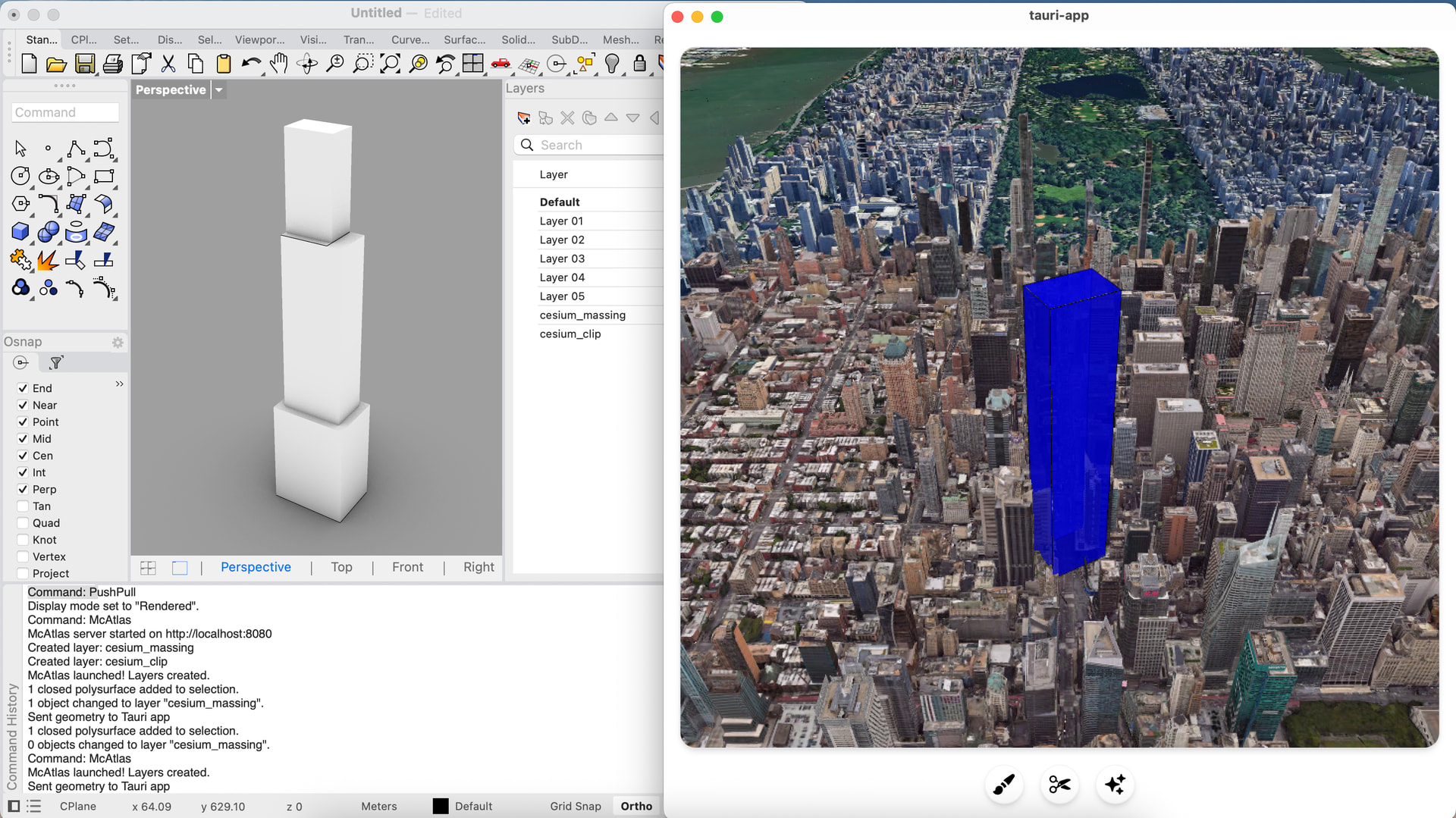
It is a Rhino plugin so users can visualise their 3D Architectural or Masterplan models in Cesium.
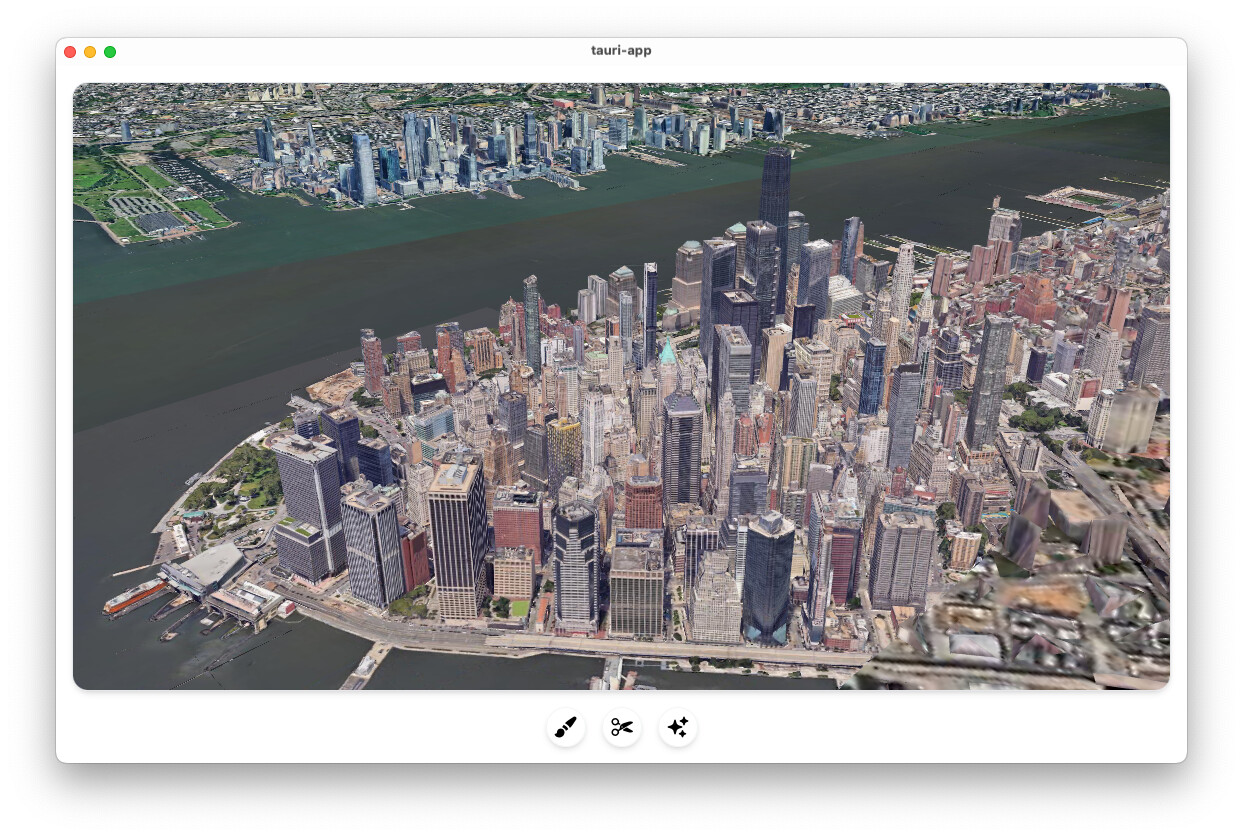
The way it currently works… I have Tauri app with Cesium 3D realistic tiles.
My Rhino plugin starts the Tauri app and creates special layers.
I am using http simple server for communication between the two.
I currently managed to transfer a bounding box from Rhino to Cesium.
But can’t find a clean way to transfer a full geometry programatically? I think I need to find a way to provide glTF model?
For the reason mentioned above I will not be clipping / exporting cession to Rhino. It is much cleaner to send geometry to Cesium.
Haven’t look at API Archives yet…
Any examples how to transfer geometry programatically ?
Thank you @mzschwartz5
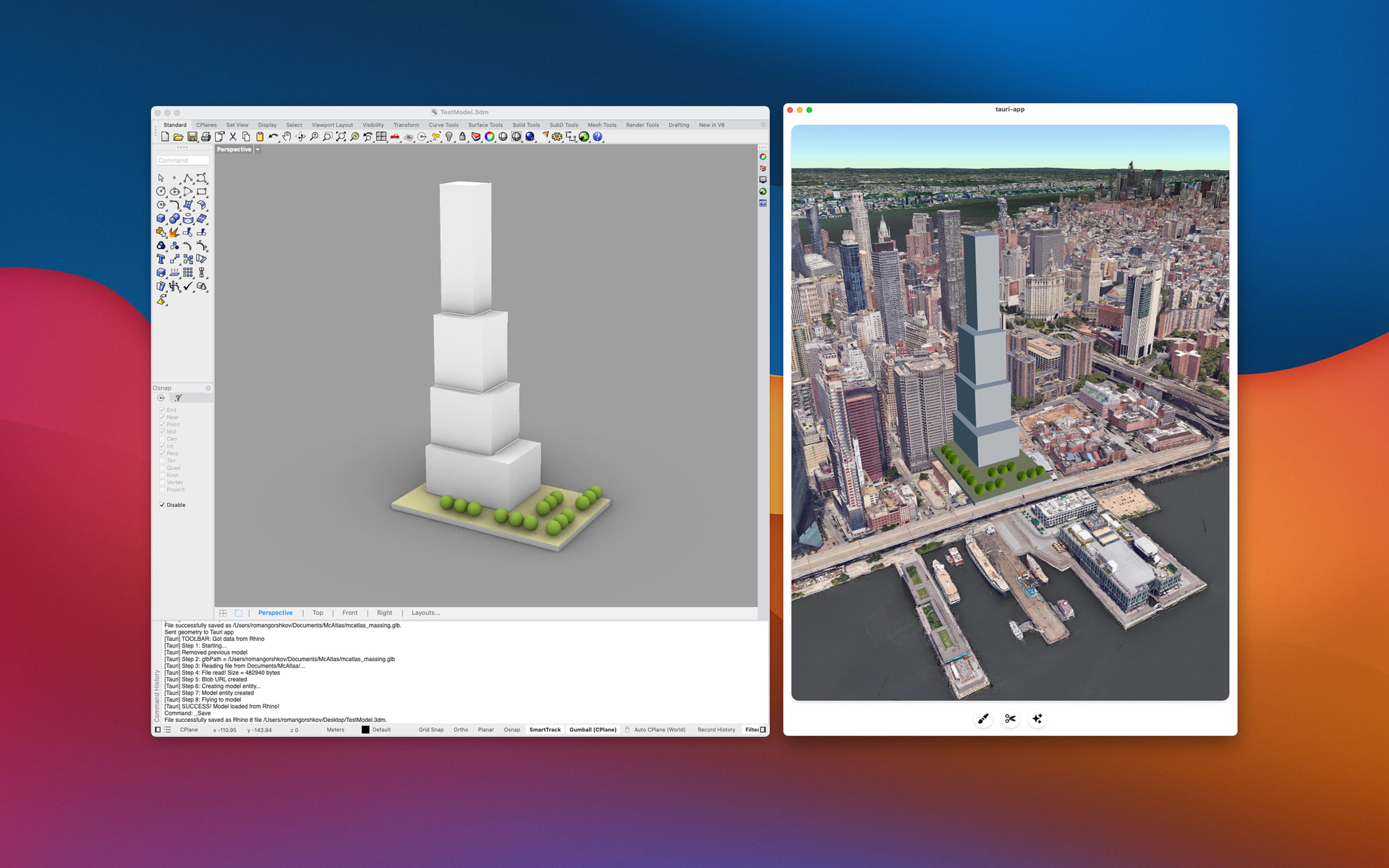
Spent a few days but got it to work!
One more thing to make imported model look better like part of the environment. Shadows, reflections, AO etc.
I managed to add AO, but maybe you have some ideas or pointers I can look into ?
Nice, that looks really cool! Given that the rest of the environment appears to not really have shadows (except those baked into the imagery), I’d say the most important aspect that would help blend the model in would be a texture map to give it some building-like facade.
But you can also add shadows still - that will definitely help the scene as a whole. Here are a few sandcastle examples that would give you a good place to start:
Example 1 Example 2 (this is a MUCH more complex example, showing just about everything that can be done with shadows. This sandcastle isn’t part of the public gallery but I thought it might help to see)
As for reflections, Cesium doesn’t have native screen space reflection support, but you could:
Make the lighting and water more realistic (example).
Implement screen space reflection yourself via a custom post process stage. (I say this to give you the option, but I wouldn’t recommend it unless you really want this feature and you know what you’re doing. I haven’t seen anyone else do it in CesiumJS before, though it looks like a few people on the forum have tried).
It’s worth noting that all these visual fidelity improvements come with performance penalties. So you may want to profile to see if the impact is worth it.
Hi @mzschwartz5
Thanks for your help. I think I managed to do lot of progress. I can sync models between Rhino and Cesium. All geolocated as well.
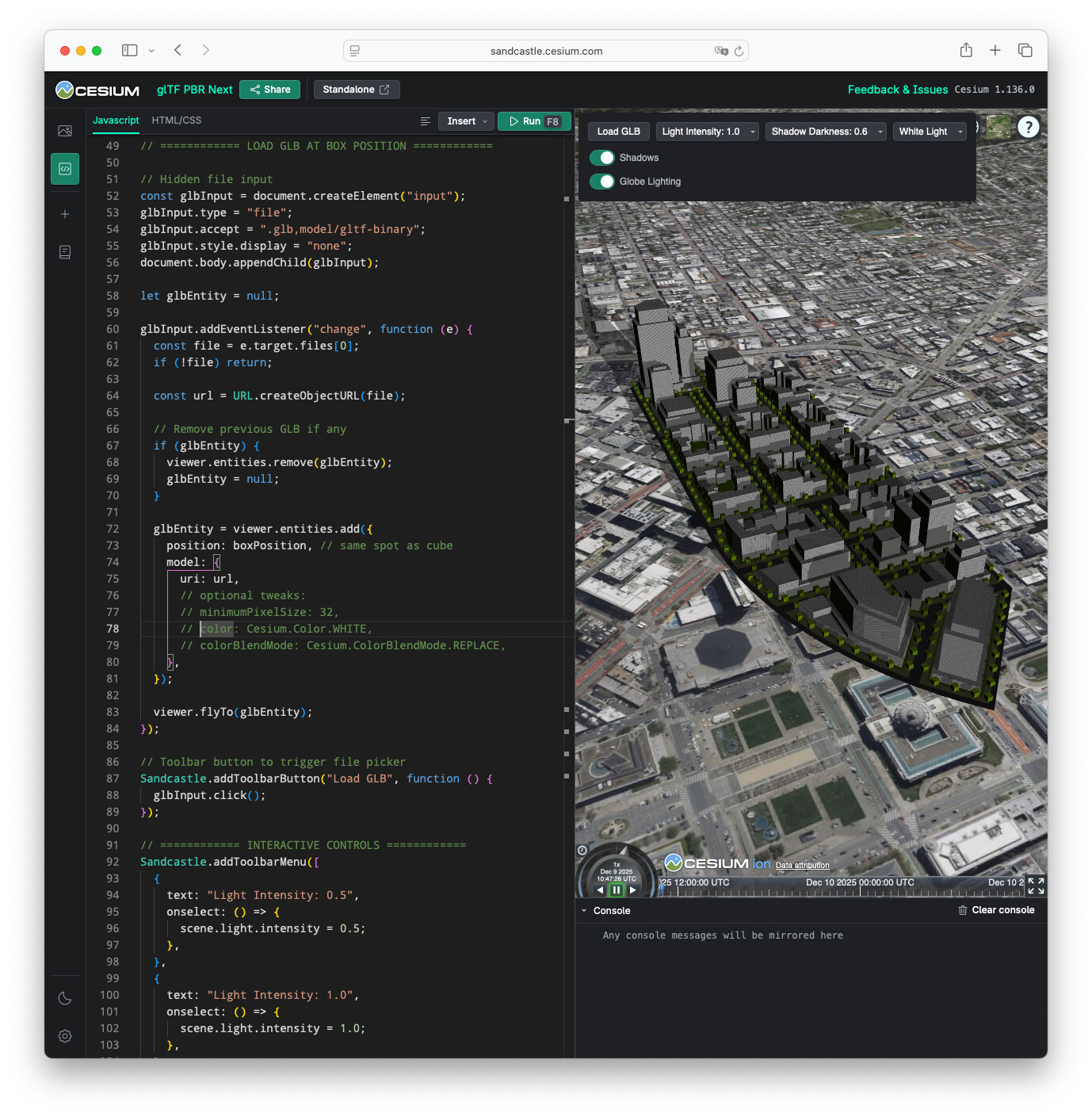
But I have problem with PBR Materials. I export GLB including PBR materials applied in Rhino.
Supposed to be just simple white, but Cesium renders them dark grey, it almost like it applies sone stage tone mapping or post processing?
I thought something wrong with my GLB, but I opened it in Blender and all materials are fine.
I created a test Sandcastle so you can see a problem.