Hi Team,
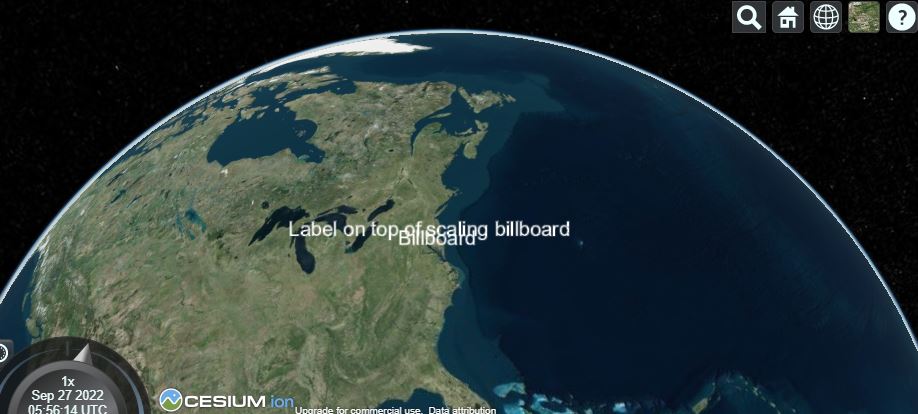
I’ve big labels data to show on the map everythings are working fine but it’s overlapping one to another , i just want to filter it and add on the map so that texts are visible clearly. i’ve not found any suitable solution on cesium community pls try to solve the problem. Label added on the map is given in attached image.

Applid code:-
this.viewer.entities.add({
position: Cesium.Cartesian3.fromDegrees(x, y),
label: {
text: lbl,
font: “14px Helvetica”,
fillColor: Cesium.Color.WHITE,
outlineColor: Cesium.Color.CYAN,
outlineWidth: .5,
opacity: 1,
style: Cesium.LabelStyle.FILL_AND_OUTLINE,
heightReference: Cesium.HeightReference.CLAMP_TO_GROUND,
pixelOffset: Cesium.Cartesian2(10, 50),
eyeOffset: Cesium.Cartesian3(0.0, 1500.0, 0.0),
horizontalOrigin: Cesium.HorizontalOrigin.LEFT,
verticalOrigin: Cesium.VerticalOrigin.BASELINE,
disableDepthTestDistance: Number.POSITIVE_INFINITY,
clampToGround: true,
},
});
I went to many given solution which is not working to me are given below: - @https://community.cesium.com/t/overlapping-labels/4771@https://community.cesium.com/t/how-to-fix-the-problem-that-label-be-covered-by-billboard/12652, @Cesium Sandcastle, @labels problem, @ NearFarScalar - Cesium Documentation
Thanks
Shashi Verma