Hello Cesium community,
I am experiencing an issue when trying to import 3D Tiles models exported from iTwin Capture Modeler Master into Cesium Ion. I hope someone can provide some insight or help me troubleshoot this problem.


My Workflow:
- Export from iTwin Capture Modeler Master: I exported my model using iTwin Capture Modeler Master. The format I chose was 3D Tiles.
- Exported Folder Structure: The export resulted in several folders from
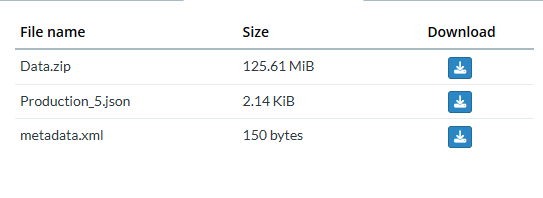
Tile_1toTile_5, along withmetadata.xmlandProduction_5.jsonfiles. - Compression (Zip): I then compressed (zipped) the
Tile_1toTile_5folders into a singleData.zipfile. - Import to Cesium Ion: I uploaded this
Data.zipfile to Cesium Ion as a new asset. The upload process in Cesium Ion appeared successful, and the asset was listed.
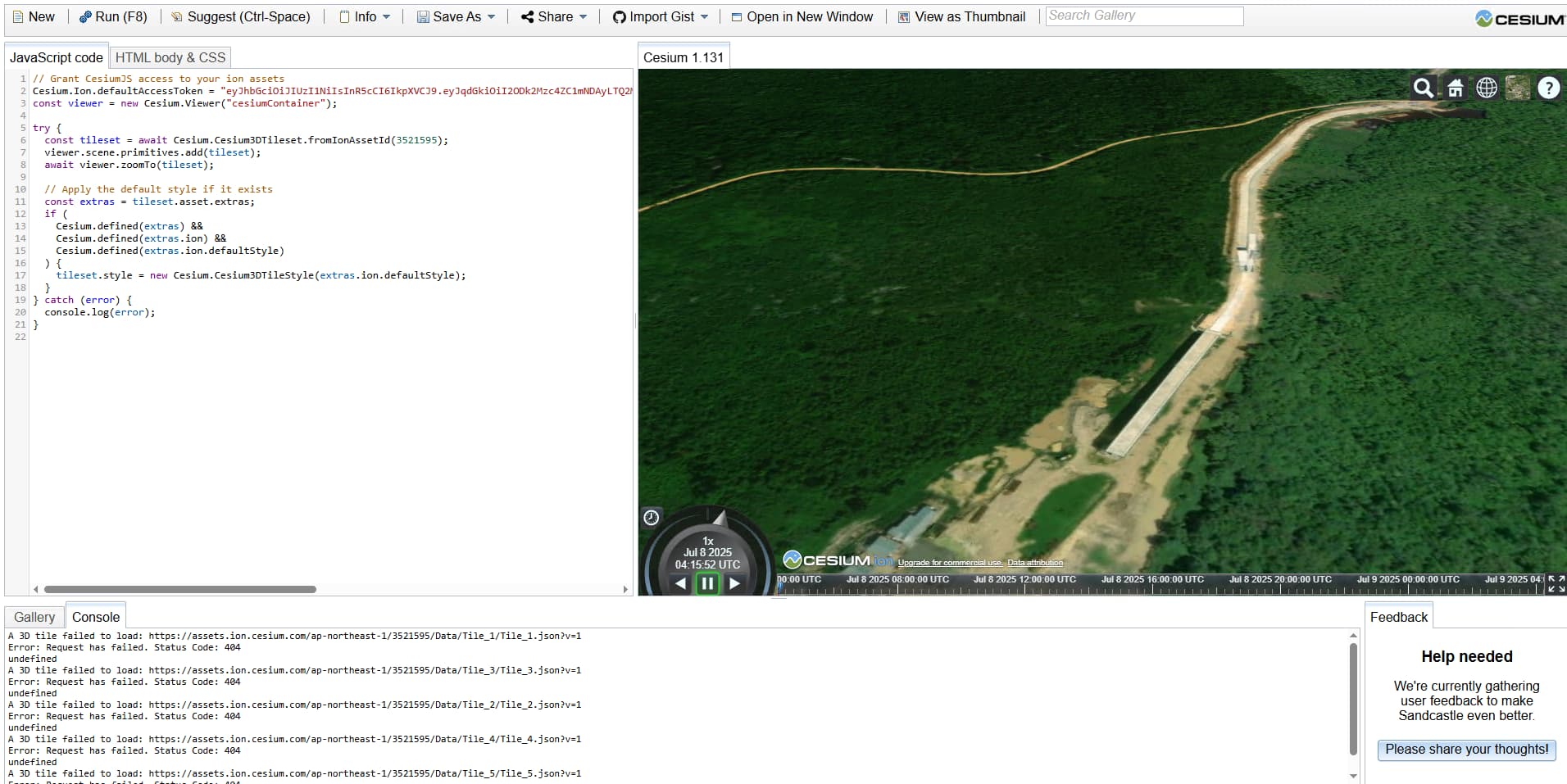
The Problem I’m Facing: After the asset was successfully imported and processed in Cesium Ion, when I tried to view it in Cesium Viewer (or use it in a CesiumJS application), the model did not appear. The browser console showed several “Failed to load resource” errors with a 404 (Not Found) status for .b3dm and .json files within the Data/Tile_X/ folders.
Example error appearing in the console: GET https://assets.ion.cesium.com/ap-northeast-1/752193/Data/Tile_1/tile_1.b3dm 404 (Not Found)
It seems there’s an issue with how Cesium Ion interprets the folder structure within the zip file, or perhaps an issue with relative paths after decompression on the Cesium Ion server side.
Questions:
- Are there any specific steps I missed or did incorrectly in my export/compression/import process?
- Is there a correct way to package 3D Tiles folders from iTwin Capture Modeler Master to successfully import them into Cesium Ion?
- Are there any specific configurations I need to be aware of in iTwin Capture Modeler Master or Cesium Ion?
Any help or suggestions would be greatly appreciated. Thank you in advance!
Regards,