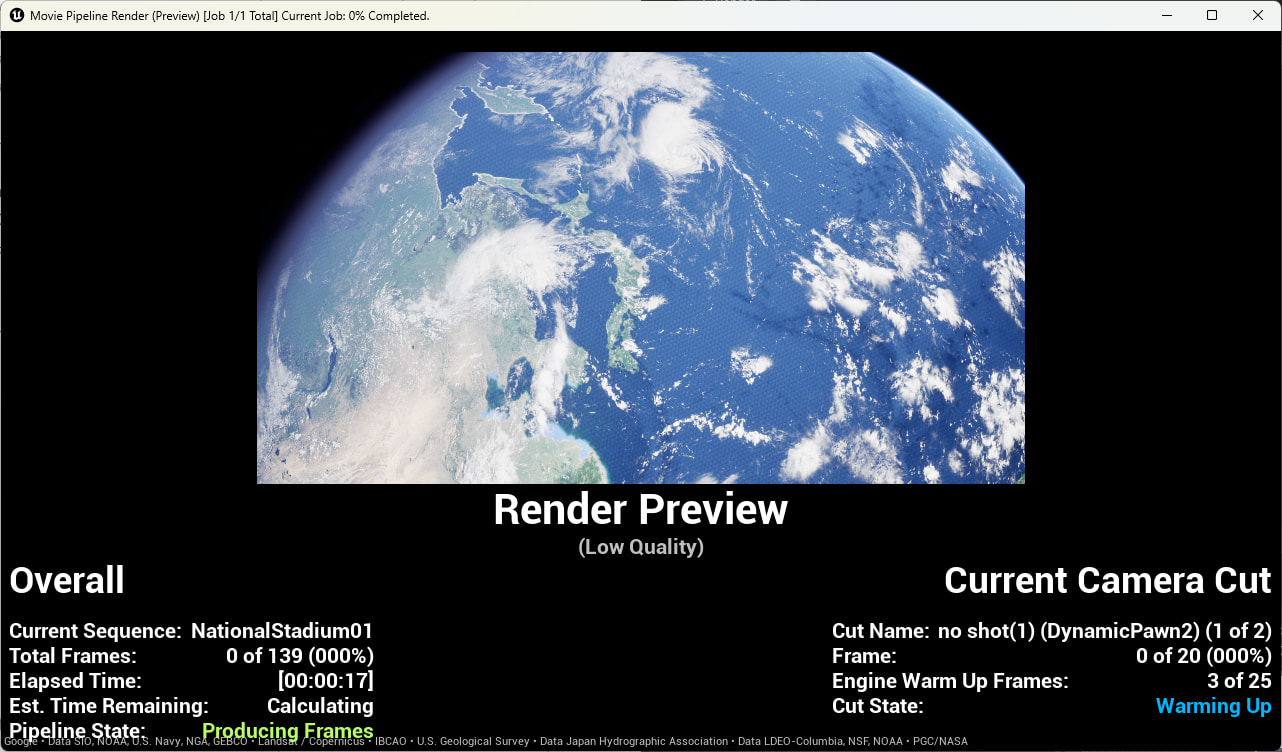
Space-to-ground cinematic, Google Photorealistic 3D Tiles (from URL) with two TMS raster overlays.
Black streaks along the globe’s edge at high altitude (frames attached). CircumscribedGroundHeight=40 clears them completely in the viewport, but MRQ still bakes them in. AdditionalCameras reduced them in the render once, but further tweaks after that did nothing.
UE 5.7, Cesium for Unreal v2.26.0, MRQ. Already tried Forbid Holes, Use Lod Transitions, cache clear, lower SSE.
How do I get MRQ to render what the viewport already shows correctly?
I’m wondering if you have any post processing effects enabled that could be causing this. Generally Cesium 3D Tiles loaded in Unreal are generating meshes, the possible cross over for issue lies in the materials utilized on your Cesium 3D Tileset, any post processing effects, or a potential bug with MRQ.
Below are some related issues on the Unreal forum for MRQ, I don’t see a moving version of your issue so I can’t see yours visually performs the same. Could you take a look at these? And post what Post Processing you’re implementing. Thanks!
No post processing and both suggestions didn’t work. Depth of Field was already disabled, and Alpha Output in Project Settings was already unchecked.
CircumscribedGroundHeight=40 on CesiumSunSky eliminates the artifacts in the viewport. (I believe this is the fix documented in CHANGES.md v2.10.0 for Google Photorealistic 3D Tiles.)
The only remaining problem is that MRQ does not apply this fix during rendering. Viewport is clean, MRQ output has the artifacts baked in.
Is there a known issue with CircumscribedGroundHeight not being respected during MRQ rendering?
I took a look at your issue and came up with a potential solution. However, I cannot reproduce the issue on my end, so I can’t verify whether this solution works.
CircumscribedGroundHeight applies to the Player Pawn. The camera seen in the editor viewport also belongs to the Dynamic Pawn.So the following solution might work.
1.You can try adding the Dynamic Pawn, instead of your own CineCameraActor, to Camera Cuts in Level Sequencer and setting keyframes to render image sequences.
2. Make sure to uncheck “Use Pawn Control Rotation” on the camera component of the Dynamic Pawn. This lets Sequencer take full control of the camera; otherwise, its movement may not match your keyframe expectations.
Sorry to hear neither of those suggestions resolved it. Since CircumscribedGroundHeight clearly fixes the viewport but MRQ still bakes in the artifacts, this looks like it could be a gap in how MRQ’s rendering path interacts with CesiumSunSky’s atmosphere settings.
Before we escalate this, could you try reproducing it in a fresh project based on the Cesium for Unreal Samples (available on Fab)? Set up a minimal space-to-ground Level Sequence with Google Photorealistic 3D Tiles, a CesiumSunSky with CircumscribedGroundHeight=40, and render via MRQ. If it still shows the artifacts in that clean environment, then we know it’s not something specific to your project setup.
If it reproduces there, I’d recommend filing a GitHub issue on the cesium-unreal repo with:
UE version (5.7) and Cesium for Unreal version (2.26.0)