Currently, I want to add a layer to a specific area on the building in 3dtitles, and the layer should be an RGB grid generated according to certain rules. How can I do this
Hi @supershunan, welcome to the community!
Can you explain a little more what you mean by a “RGB grid”?
I can think of two possibly relevant approaches:
- Draping imagery on 3D Tiles. This is a relatively new feature in CesiumJS, which you can read about in Draping Imagery over 3D Tiles in CesiumJS – Cesium.
- Classification of 3D tiles, overlaying a color in an area defined by a polygon. You can read about this in Dynamically Annotating 3D Tiles in CesiumJS – Cesium
Both of those articles include Sandcastle links with working code examples.
Let me know if I misunderstood what you are trying to do.
Hello, I hope to achieve this effect on the side of a building in 3dtitles, such as on the side of a skyscraper. The image below is the effect I have achieved on the terrain so far; the last image is my current 3dtitles model, and I want to achieve this effect on the side of this building


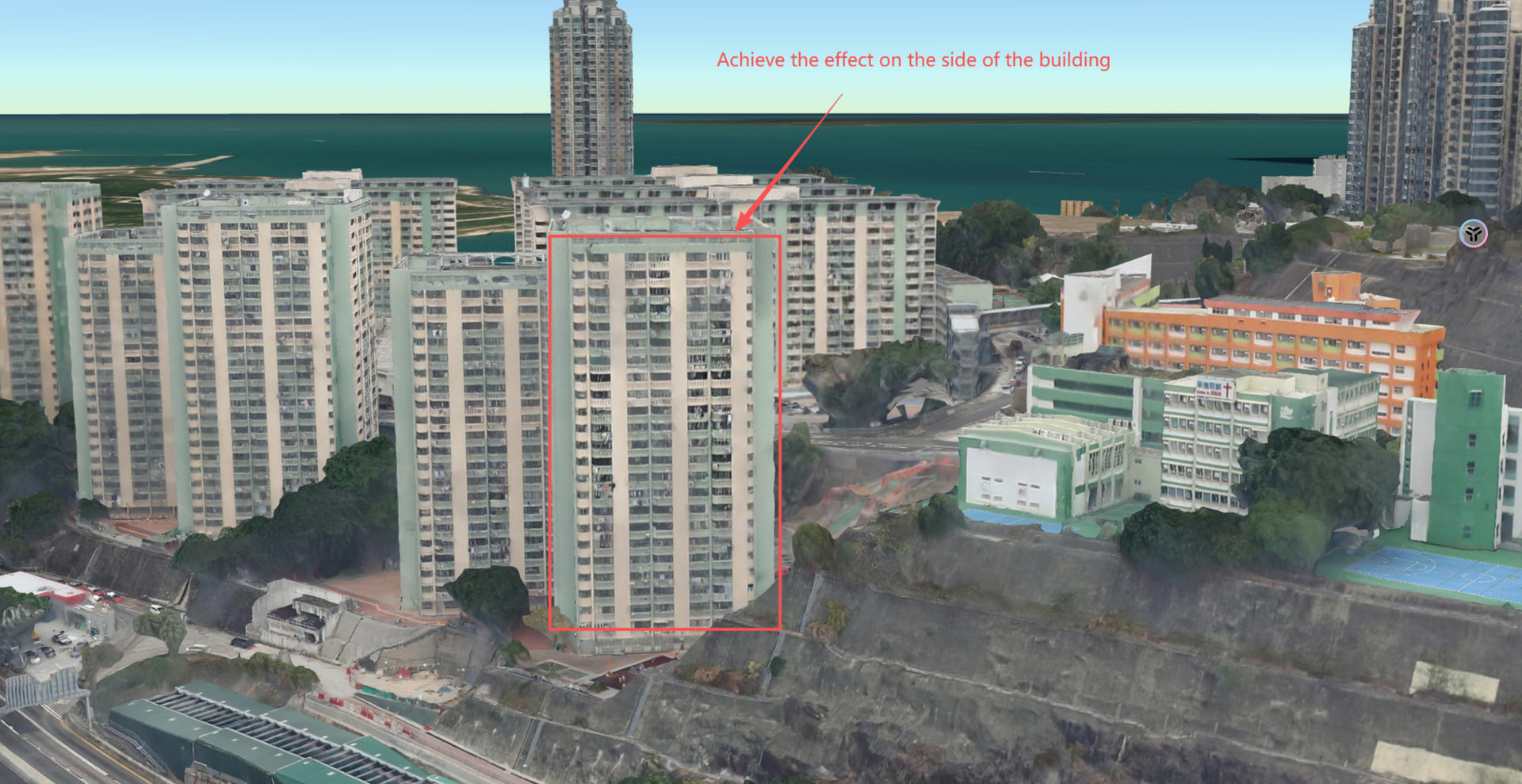
Hi @supershunan, this will be challenging. An image is 2D so there is no simple mapping onto a general 3D model. For example, if you have a color value at the entrance of a building, and the wall of the building is vertical, how do you specify 100 more colors at the same x-y position?
Draping on terrain works because terrain is only 2.5 dimensional. It has a single z-value at each x-y position.
For overlaying your imagery on a true 3D model, one approach would be to incorporate your imagery as metadata in the 3D Tileset. The image textures would then be mapped to each part of the 3D surface using texture coordinates.
Have you tried a model editing software such as Blender? Once you have the textures positioned correctly on the model in Blender, you could publish the model as 3D Tiles, using the Cesium ion Blender add-on.
Thank you, I’ll give the method you mentioned a try
1 Like