Cesium.js droped frame , even i did’t do any thing. this is Demo.You can use F12 Performance Monitor tool see the Frames has many Droped frame. Please look pictrue,why about this?
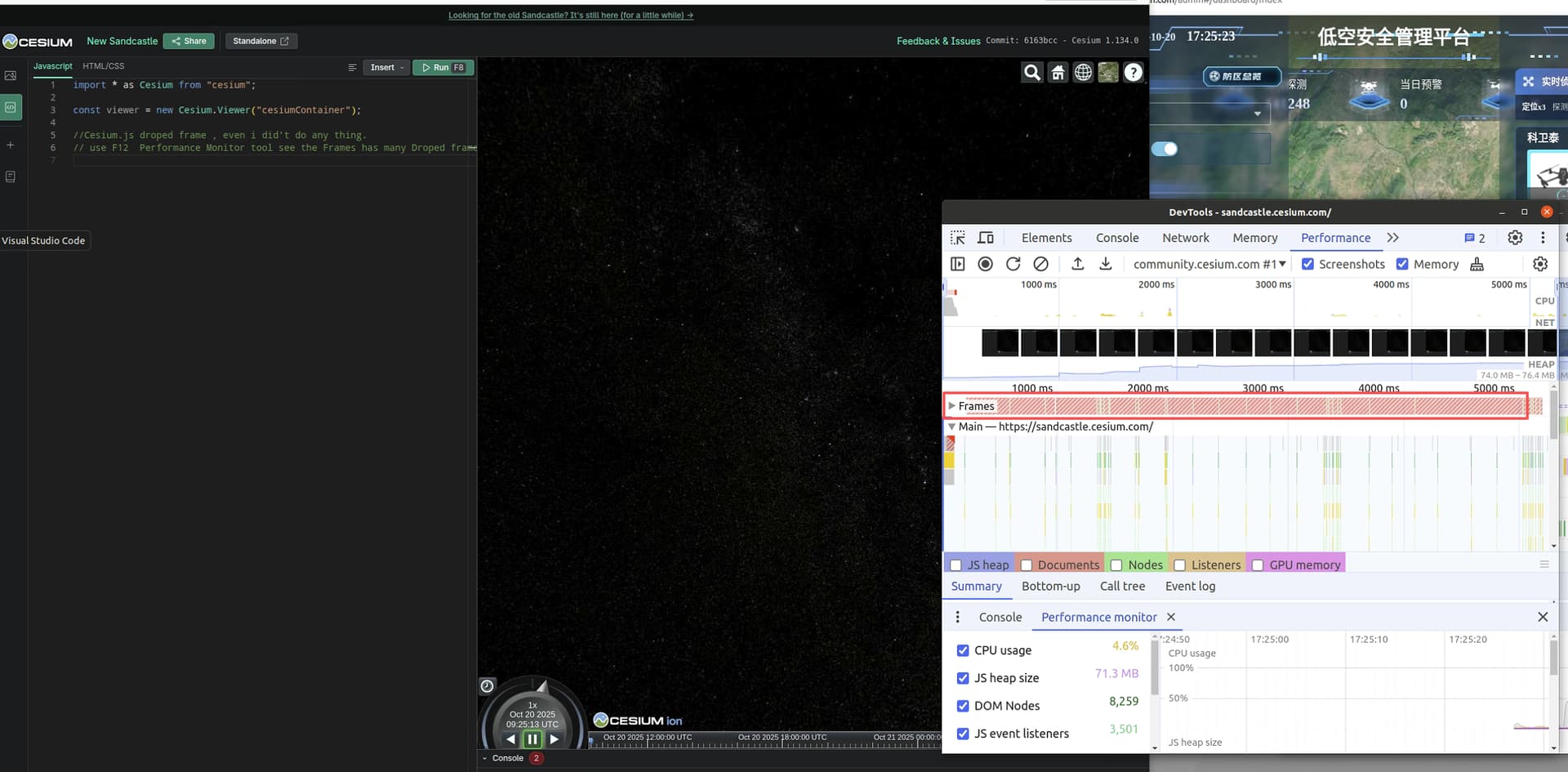
Hi @xulayen ,
Thanks for your post and thank you for being part of the Cesium community.
It appears the globe is not loading in your browser, is that correct? I think we need to collect more information to understand the cause of the unexpected behavior you are seeing. Dropped frames may indicate that WebGL - which is needed to fully use Cesium - is not working properly on your browser, can you check to see that your browser supports WebGL with this resource? https://webglreport.com/
Thanks,
Luke
@Luke_McKinstry Hello, i try agin, it can loading the map,like the picture,I use performance monitor angin, can’t do any thing, has droped frame.
And my screen refresh rate is 144Hz. I switch to 60HZ , and has droped frame too.
By the way,my browser is supports the web gl.

60HZ

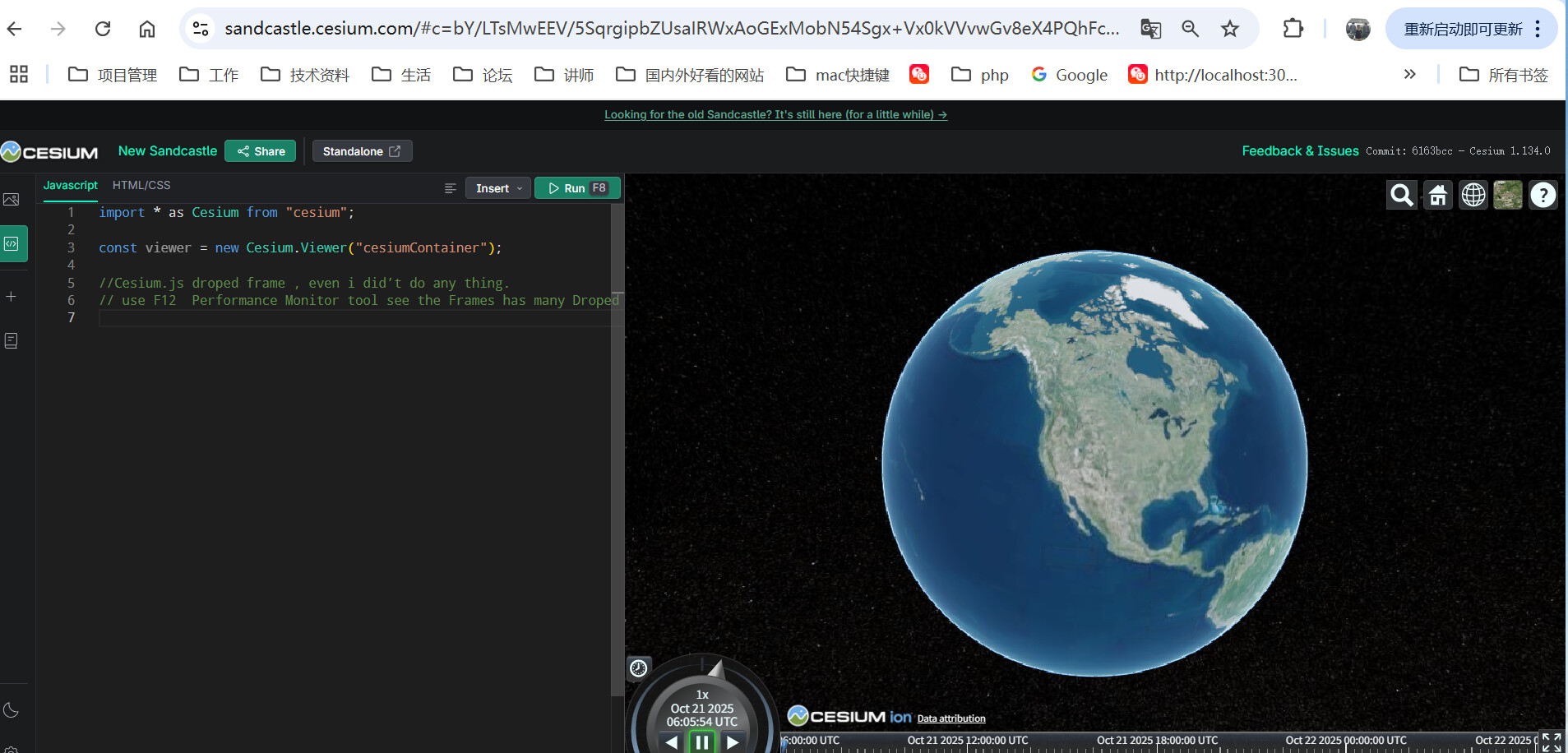
144HZ

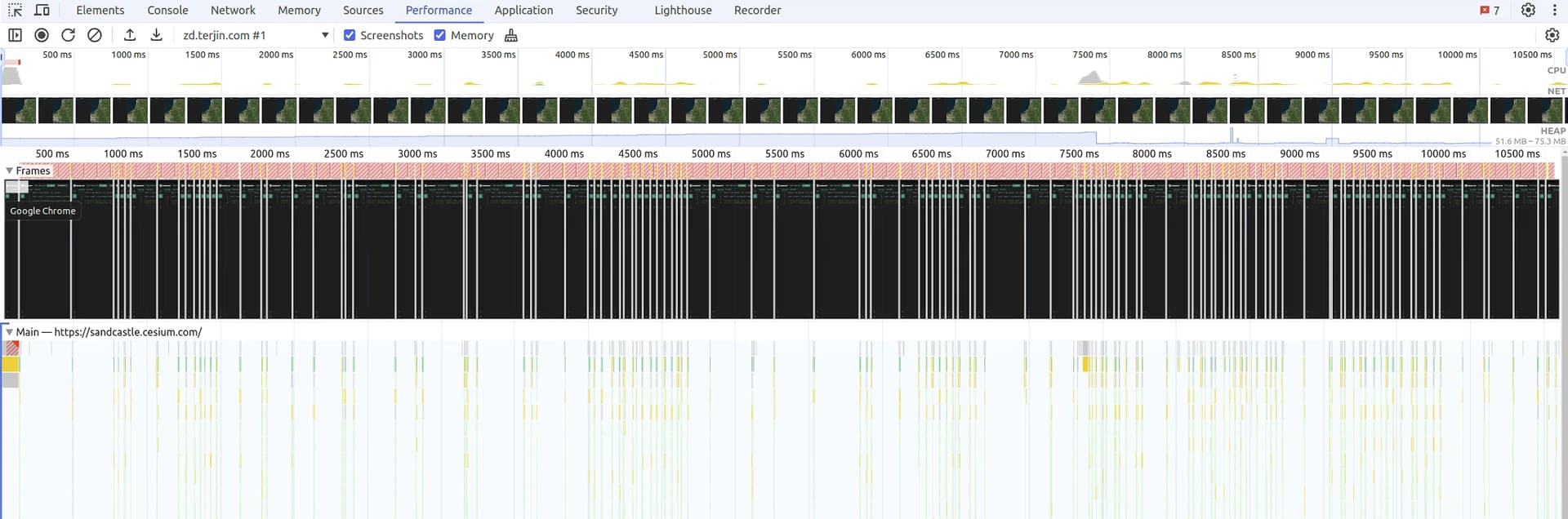

By default CesiumJS is constantly rendering the page, at an attempted 60FPS. You could try out the “request render mode” if you want to avoid that - maybe that avoids the dropped frames. Beyond that, Q/As like https://stackoverflow.com/q/66885367 list some approaches for analyzing what causes the dropped frame on your specific system.