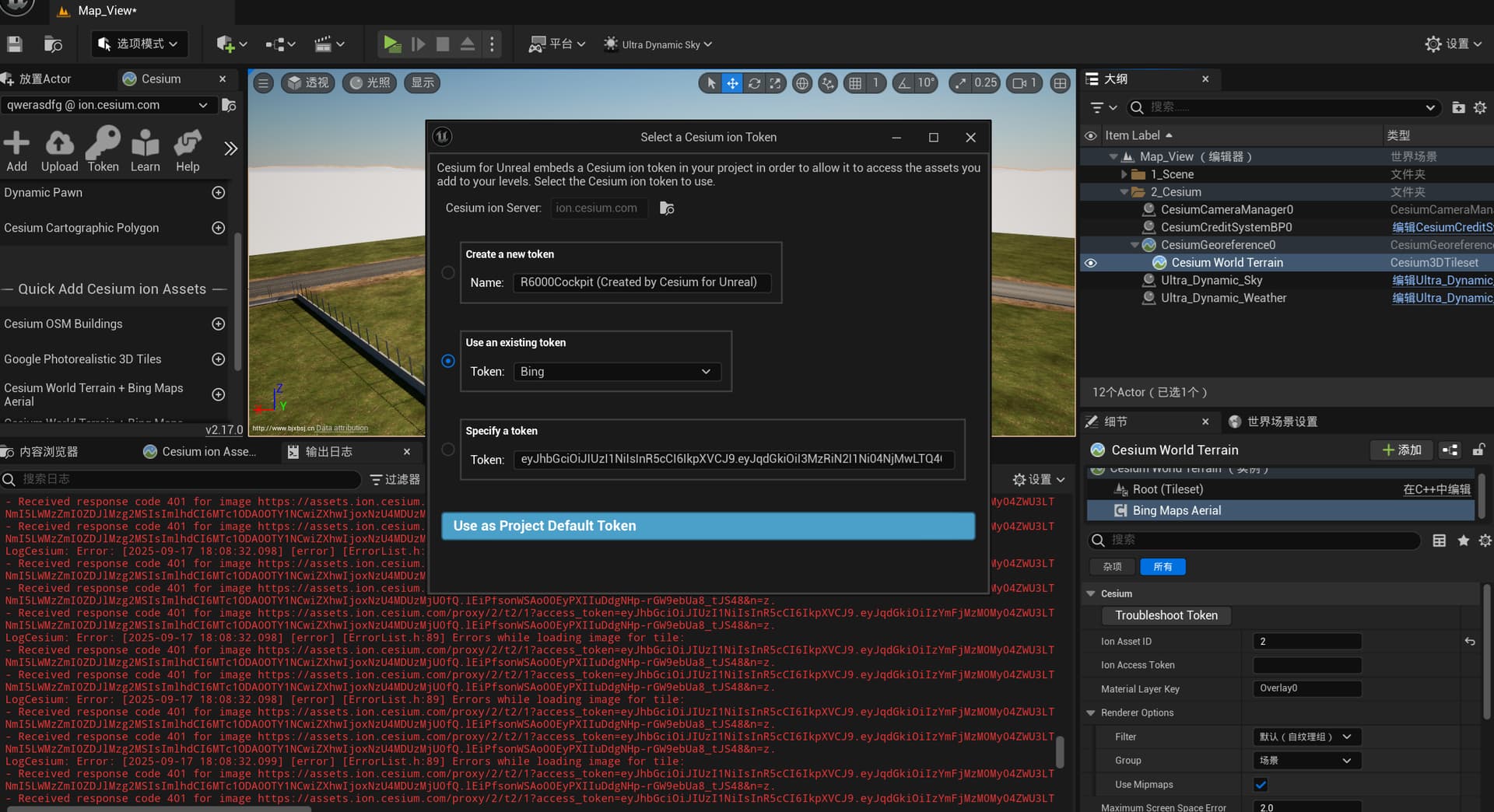
The most common cause of CWT + Bing suddenty not working, accompanied by a 401 error, is that you were using the default Cesium ion key included in the Samples project. We periodically revoke those in order to discourage abuse. You should create your own Cesium ion account and access token for use in your project.
Hello, I have rebuilt the token and reapplied for the use of Ion, but I still cannot read Bing Maps. The elevation in the viewport is from my local elevation data. Online imagery cannot be loaded and appears as white.
I am using my own Cesium Ion account and accessing it with my access token. However, I am still getting the same error.
Please note that this error has been occurring since yesterday (16-09-2025).
The build that has been running without problems for 3 days suddenly started showing Bing Maps Aerial on the Tileset as white since yesterday (16.09.2025), even though there has been no change at all. What could be the issue?
I’m also having this trouble, using Cesium for Unreal. This happened once before, but was a transient error that we never got to the root cause of.
One thing I see but don’t understand is that the 401 error URL has an access token that differs from the project token. The upshot is that “Troubleshoot token” shows all-clear, but the imagery does not load. Does the Ion client use its own token for Bing?
We were getting the same error as well, both yesterday and early this morning. We issued new tokens, no dice. Issue appeared to resolve itself on the Cesium Ion side without us doing anything. Seems like an outage.
Yupp same as me this was working monday bugt now it is not, unreal 5.2 it would be a shame to have to recompile and relaunch our project to all the users to fix this.
Hi everyone, sorry to hear about all the problems with Bing Maps. There was a Bing Maps outage yesterday that was probably the cause of most of these issues. Please retry today and see if you’re still having trouble.
If you’re having trouble with some other tileset, and you’ve already checked that a) your Cesium ion token is valid, and b) your token is configured to allow access to the particular tileset you’re trying to use, then please start a new thread with as much information as possible about the problem and we will take a look.