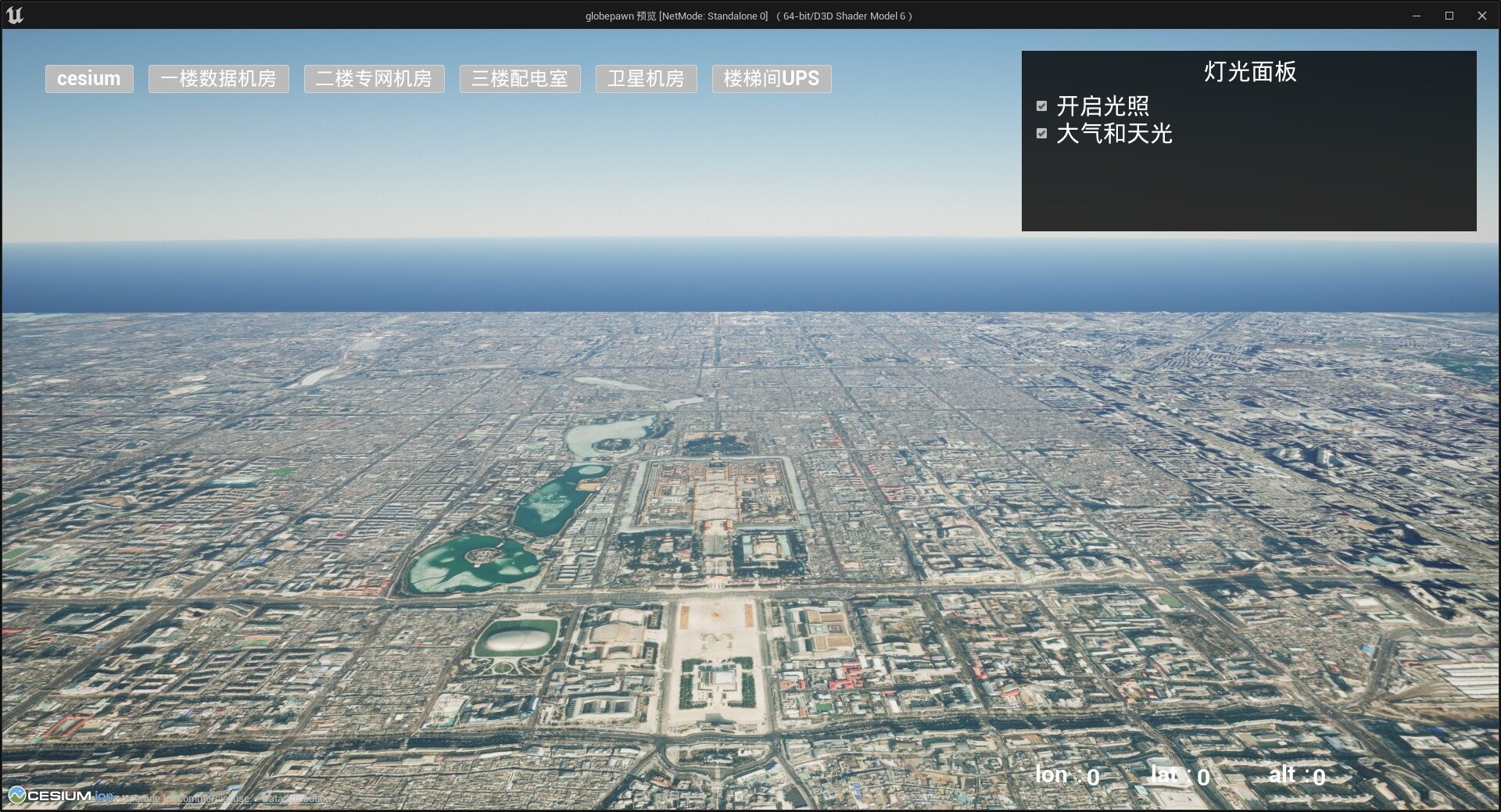
When using Cesium for Unreal to display terrain and OSM maps, adding nDisplay to level causes distant map content to disappear (resembling far-clipping). This results in only a blank space when attempting to obtain a national or global view. Everything works perfectly without nDisplay. I’ve enabled “Follow Local Player Camera" in nDisplay, but the issue persists. There seems to be no relevant setting in nDisplay to adjust this behavior. What mechanism is causing this?
I tried to fix the ndisplay viewpoint in place, and when zooming out, I could see Cesium normally performing hierarchical loading of low-resolution maps.
Hi @janine, thank you very much for your reply.
I’ve actually tried disabling tiles culling before, but the problem persists.
I tend to think Cesium does its job well; the problem lies with nDisplay.
Based on the way you describe it, @AntaresFeng, it does indeed sound like an nDisplay problem. You may need to take the question to Epic, or at least a more general Unreal forum. I have heard of others using nDisplay successfully, though, so perhaps someone from the community will have some ideas and can chime in.