I would like to use Cesium in a Solar System simulation in Unity, I use a stationary Floating Origin player and the Solar system is moved in response to Player move inputs. Earth is placed into the Scene like in the image below, and moved by moving the Scene node(s) above it. How can I do this with Cesium?
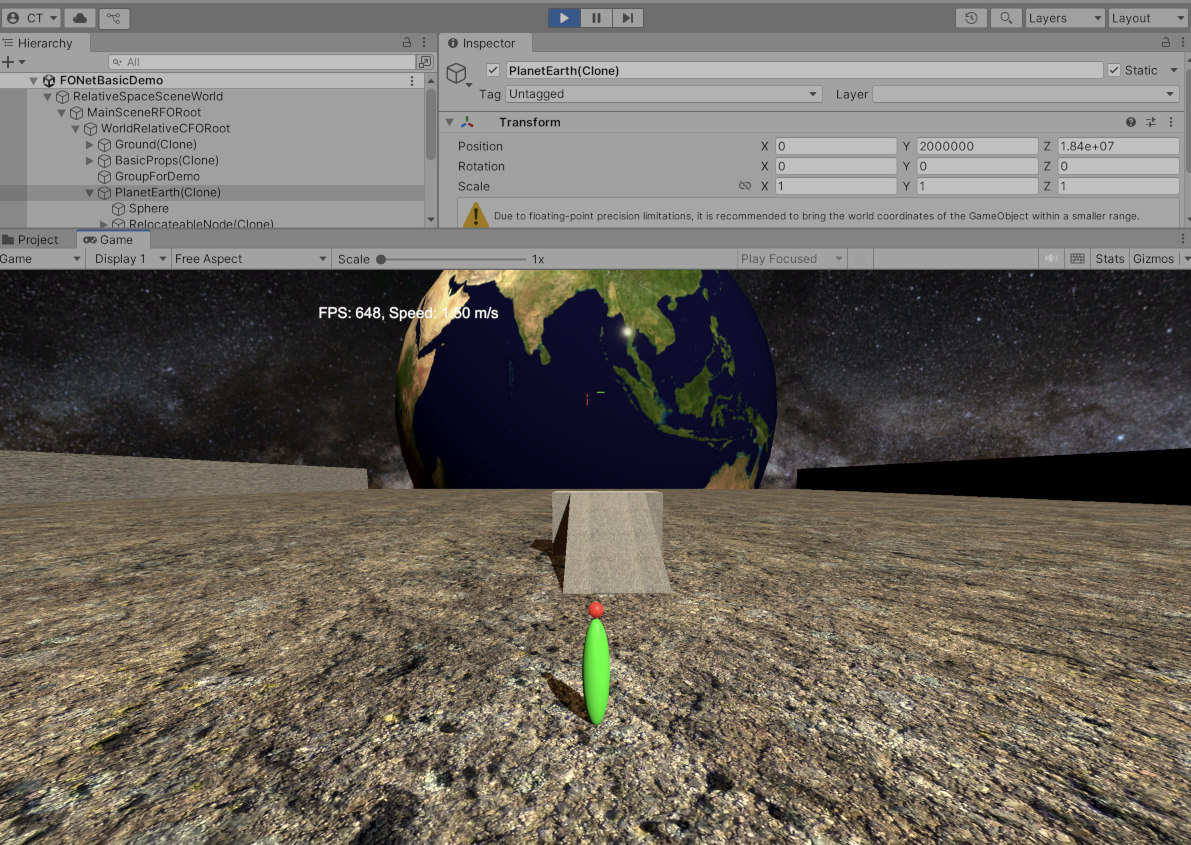
Hi @cosmochristo,
I don’t think you should have to do anything special. Have you tried it, and it didn’t work? What went wrong?
My one suggestion is that you may want to set your CesiumGeoreference to “True Origin” mode instead of Longitude/Latitude/Height. That way the center of the GameObject will be the center of the Earth, rather than some point on the Earth. That will make it easier to transform as needed.
Thanks @Kevin_Ring , I will try that. I have only tried manual changes so far, with mixed results. I need know how to do this via Scripts and Cesium API calls.
@Kevin_Ring Unfortunately, the True Origin setting puts the Earth where my player is (always at the origin). What I want to be able to do is something like this: https://youtu.be/Bc_N9jGG9Ug
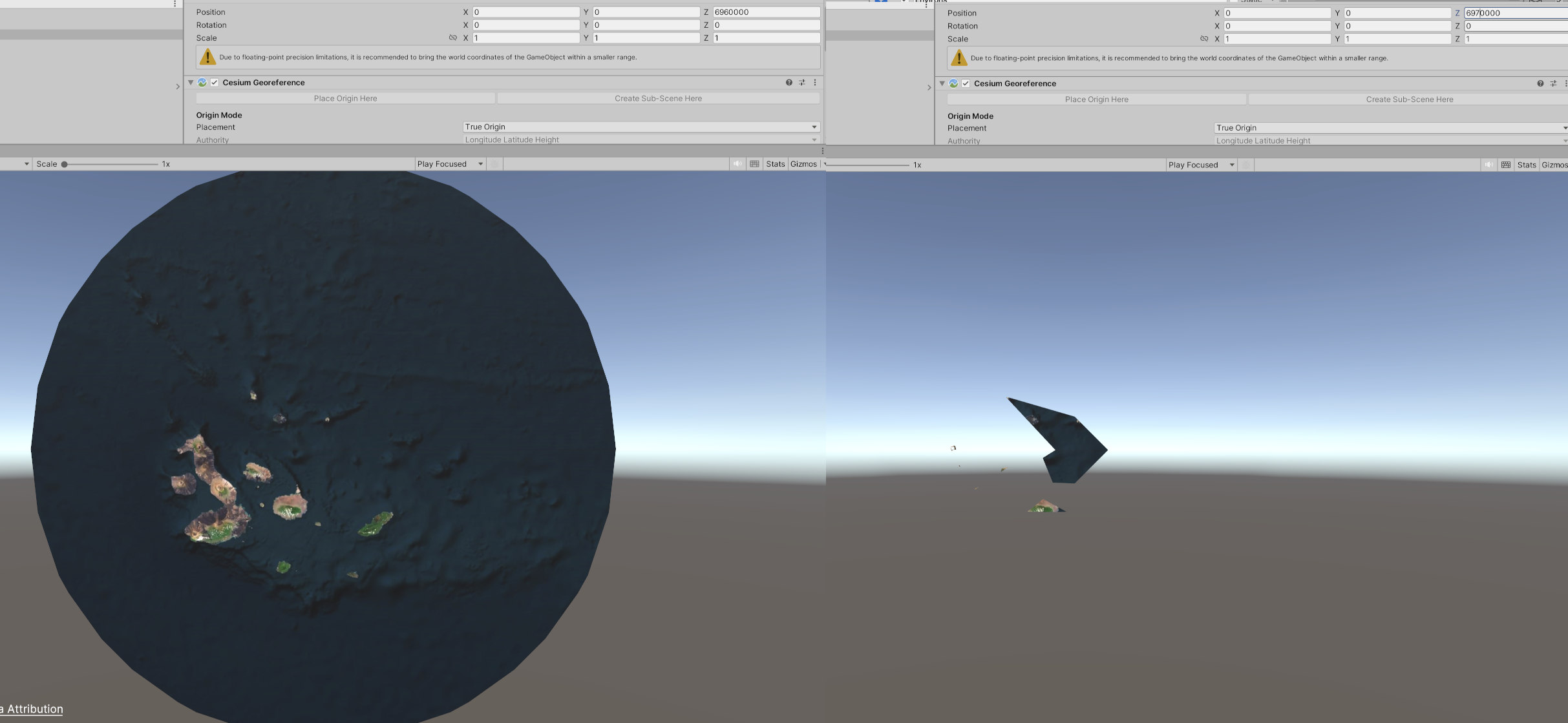
Here are three views from putting the Cesium Earth under a hierarchy and displacing it back from the player/camera. This is with the Geocentric setting.

As you can see, there are rendering problems at these distances.

Yes, it puts the center of the Earth at the origin of the GameObject’s local coordinate system. But then you can translate/rotate/scale the local coordinate system, just as with any GameObject, to put it wherever you like in the world.
Typically you want to transform the CesiumGeoreference game object, rather than the Cesium3DTilesets nested inside it.
ok, to be clear, “the GameObject’s local coordinate” is referring to the “CesiumGeoreference game object”? I will try putting that into the hierarchy and moving it. Thanks for the clarification.
So it works after a fashion. The main trouble I am having is that Cesium cuts off long before any significant distance from the planet. A z value on the Georeference node of 6,970,000 is about the limit and rendering is already going wrong before that. Worse, when I hit Run, nothing is rendered: no planet!
Hi @cosmochristo,
I think you’re experiencing issues with camera clipping planes, which can be a hassle as you’re moving near/from the Earth. To counter this issue, we provide a Dynamic Camera prefab that contains a CesiumCameraController component. This component will dynamically adjust the clipping planes so the Earth is in view as the camera moves around.
One thing to note, this behavior requires Create Physics Meshes to be enabled on the Cesium3DTileset. This is because the CesiumCameraController uses raycasts to the center of the Earth to adjust the clipping planes more intelligently.
Let us know if this works for you!
Thanks Janine, I wil check that out. Also, a nub questions.
-
The camera view I show is straight down the World z axis. I need to change the default georeference coordinates to correspond to that view. What is the best way to do this via script?
-
I need to take over the movement controls at the top level so that my movements of the Scenegraph are under input controls. I then need to pass a corresponding change to the Cesium georef system. How do I combine these two things in script?
thanks