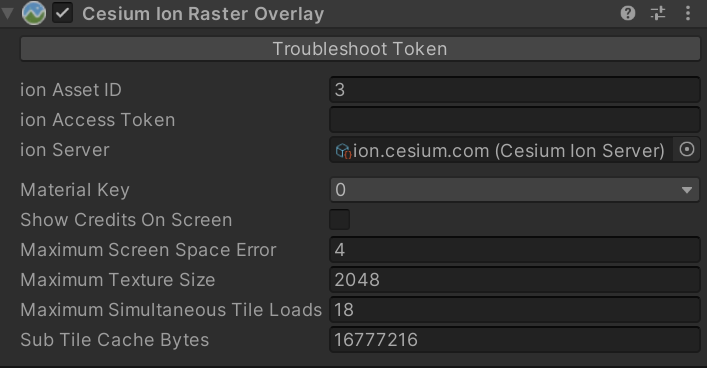
I am getting this error all the time in Unity (2023.3.62) and also users are reporting it in our build. In the editor it seems to work fine when I restart the entire Unity editor and start fresh. But then it will fail to load images after hitting play mode, then stop, then hitting play again. If it doesn’t happen the first stop and play it happens after the first couple. It also just seems to stop loading images after a certain period of time. This what not occurring when I was downloading directly from Bing using the CesiumBingMapsRasterOverlay a month ago, but now I have switched back to Cesium Ion because Bing retired their API for non-enterprise users. Note that Google 3D Tiles are still downloading fine. It’s just the CesiumIonRasterOverlay with ionAssetId = 3 is failing.
Any ideas of what is going on? It seems to be an authentication error but cesium says I am logged in and everything is fine.
The error is "[2025-07-21 19:31:35.902] [error] [ErrorList.h:89] Errors while loading image for tile:
Can you share the complete log for the session where this occurs? I’m not sure what might cause what you’re seeing, but I’m hoping that seeing the log will provide a hint.
I have DM’d you the log file errors as the error messages contain my private key values.
After more testing this seems to occur 15 to 30 min into a session using the CesiumIonRasterOverlay with ionAssetId = 3 active. Both in the editor and in the build.
Again this was not occurring with CesiumBingMapsRasterOverlay as well as the Google 3D Tiles. It perhaps is an issue with Cesium servers trying to load the Bing Map data?
Thank Kevin. That indeed looks like the same issue! Glad a fix is in the works, as I get an email or two a day from my users of Glider Sim reporting the issue.